Agriculture
Systems for farms that sell direct, ag services and farm supply
Orders come in by text, email and phone while the crew is in the field, and the harvest decides what there is to sell. We connect the orders, the packing shed, the fields and the books, so what is picked, packed, delivered and billed comes from one record.
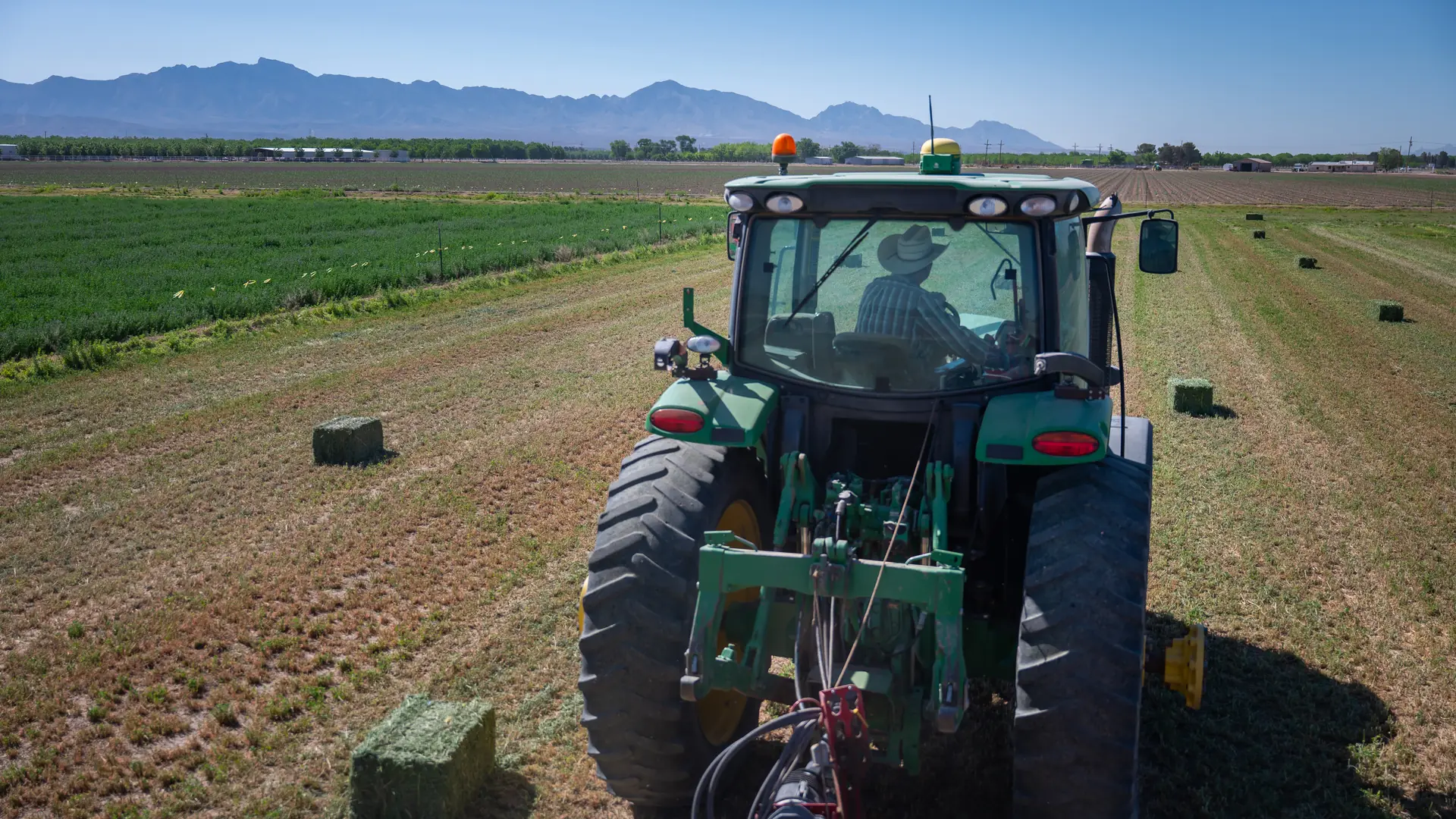
Photo: U.S. Department of Agriculture
Pick your kind of operation
Two kinds of agricultural business, each with its own season. See what we would set up for yours.
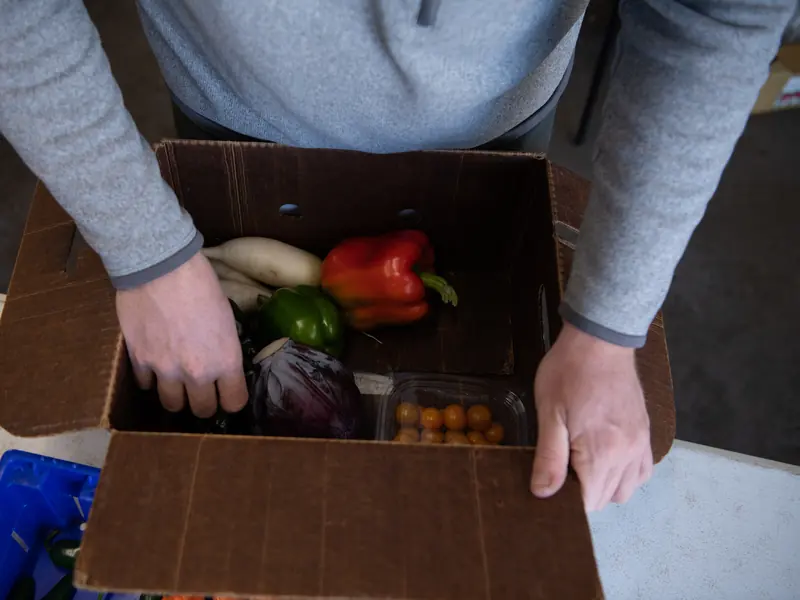
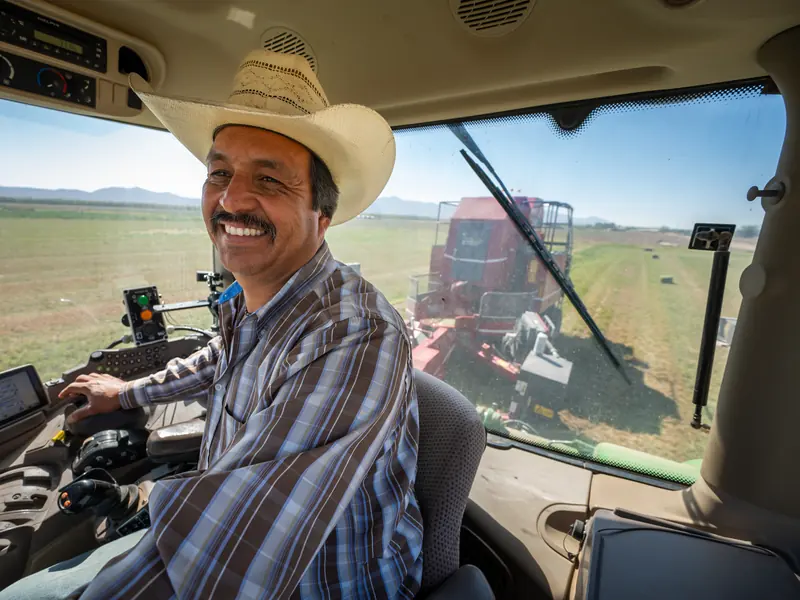
Photos: U.S. Department of Agriculture
Walk through a farm
Pick a place to see what we set up there
A model of a typical operation, not a client's. Pick a place to see what we set up there and how its work reaches the rest of the operation.

-
Buyers
Orders by text, email, phone and the online store land on one list, with what is actually available.
- An online store that shows what is ready
- Standing orders that repeat on their own
- Orders from texts and emails entered once
- Each buyer's orders and invoices in their own portal
-
Packing shed
What to pick, pack and load, ready before the crew starts.
- Pick lists from the day's orders
- Stock by location, counted without guessing
- Lots recorded where a program asks for them
- Delivery runs loaded in stop order
-
Fields
What is ready, what the crew did and what the machines need.
- Availability updated from the field
- Crew time on the job
- Custom hire jobs with acres and hours
- Equipment service due and its history
-
Farm office
Invoices go out from the order and the delivery, not from memory.
- Invoices from delivered orders
- Account customers and monthly statements
- Supplier orders matched to bills
- Season reports by crop and customer
What we look at in discovery
Themes to test against your farm or your business, not assumptions about it. Filter by the kind of operation or by how each piece is usually built. Where a specialist system is the right tool, the label says so.
- Native Built into the standard software
- Configuration Set up, no code
- Custom Development we build
- Integration Connects another system
- Exploratory Needs validation first
-
Orders from texts, emails and calls
Every order on one list with the buyer's record, whichever way it came in. Email arrives in the system as it is; texts and calls come in through a connected service.
NativeIntegration -
Availability from the field
What is ready this week, updated on a phone in the field, so the online store and the order list only sell what you have.
NativeConfiguration -
Standing orders
Weekly boxes, restaurant orders and regular supply orders that repeat on their own, changed or skipped in one place.
NativeConfiguration -
Pick lists and packing
The day's orders turned into pick lists for the packing shed, by product and by customer.
NativeConfiguration -
Delivery runs and service calls
Deliveries and service calls on one calendar with people and vehicles. Route optimization is a connected service.
NativeIntegration -
Account customers and statements
Charge accounts with terms and credit limits, a monthly statement, and a portal where each customer sees their own orders and invoices.
NativeConfiguration -
Custom hire by the acre and the hour
Spraying, baling, hauling or harvest for a neighbor as a job with the field, the acres and the hours, invoiced at your rates when the job is done.
NativeConfiguration -
Parts at the counter and on the job
Parts sold over the counter or used on a job, taken off stock and charged to the right account.
NativeConfiguration -
Work orders and field operations
Crew jobs with checklists, time and materials recorded on a phone.
NativeConfiguration -
Equipment maintenance
Service schedules, repair requests from the field and a history you can show a buyer.
NativeConfiguration -
Purchasing and supplier coordination
Requests for quotation, purchase orders, vendor prices and receipts matched to bills.
NativeConfiguration -
Inventory and stock on hand
Stock by location, reorder points and counts that do not depend on memory.
NativeConfiguration -
Fields, blocks and harvest records
Standard business software has no field or block record. What was planted, picked and packed by field is built as custom records, or connected to the farm software you already use.
CustomIntegration -
Production or lot tracking, where it applies
Lots and serial numbers are standard; whether they meet a certification or traceability program is checked against that program first.
NativeExploratory -
Inquiries, calls and follow-up
Website forms, email and calls in one pipeline, with a person responsible for every follow-up. A voice assistant is an integration we build and keep in bounds.
NativeIntegration
Nothing in this list matches both filters. Choose All in one of them.
Systems record, schedule and remind. Decisions about crops and land stay with your agronomist and you. Where a certification or traceability program applies, what it asks for is checked against the program first, before anyone relies on the system for it.
Worth reading first: Direct-sales orders, from text message to delivery run · Map one process before you buy software
See it work
Follow one order through the system
A regular customer calls in a supply order early on a harvest morning, before the office opens. It plays by itself, or you can step through it.
A supply order called in during harvest
It is 6:15 in the morning in the middle of harvest. A regular customer calls to reorder mineral supplement and asks when it can be delivered. The office opens at 8.
The customer's phone
Assistant: Good morning. This is the office's automated assistant. The team is in at eight; I can take an order or a message now.
Customer: Twenty bags of the mineral supplement, same as last month. I need them by Thursday.
The customer's phone
Assistant: Twenty 40 lb bags of mineral supplement, needed by Thursday. Is that right?
Customer: That's right.
The customer's phone
Assistant: I can help with that. What is your account number and billing ZIP code?
Customer: 4187, and the ZIP is 95000.
Assistant: Thank you, that matches. There is enough in stock for Thursday.
The customer's phone
Assistant: Twenty bags for delivery by Thursday. The order is confirmed when the warehouse lead confirms it, and you will get an email with the delivery window.
System: Call ended. Draft order sent to the warehouse lead.
The customer's phone
Supply office
Your order is confirmed
20 bags of mineral supplement. Delivery Thursday, 8 to 11 am.
The owner's phone
8:30
The office is open
Low stockMineral supplement is below its reorder point.
Phone
Incoming call (sample)
- Time
- 6:15 am
- Caller
- (555) 010-0177
- Disclosure
- Automated assistant, said first
- Asked for
- Reorder and a delivery date
- Product
- Mineral supplement, 40 lb bags
- Quantity
- 20 bags
- Needed by
- Thursday
- Read back
- Confirmed by the caller
- IdentityAccount number and billing ZIP matched
- On hand64 bags20 of them for this order
- Not sharedBalances and order history
Sales order
Draft, 20 bags
Delivery task
Warehouse lead, Wednesday
Status: waiting for staff to confirm
Sales order
Confirmed by staff
- Sent when
- Staff confirmed the order
- Says
- Delivery Thursday, 8 to 11 am
To confirm
0
orders
Deliveries
6
this week
Low stock
1
mineral supplement, below reorder point
Your system
The call is answered by the voice assistant, which says it is automated and offers a person during office hours.
Phone line, voice assistant
Incoming call (sample)
- Time
- 6:15 am
- Caller
- (555) 010-0177
- Asked for
- Reorder and a delivery date
- Disclosure
- Automated assistant, said first
Product, quantity and the date it is needed by are taken down, and read back for the caller to correct.
Approved questions
Request (sample)
- Product
- Mineral supplement, 40 lb bags
- Quantity
- 20 bags
- Needed by
- Thursday
- Read back
- Confirmed by the caller
The caller is verified with the account number and billing ZIP code, because caller ID alone is not enough. Only then is stock on hand read from inventory.
Customer verification, Inventory
Checks (sample)
- Identity
- Account number and billing ZIP matched
- On hand
- 64 bags
- Not shared
- Balances and order history
A draft sales order and a delivery task go to the warehouse lead. The order is not confirmed until a person confirms it.
Sales, Delivery
Work routed (sample)
- Sales order
- Draft, 20 bags
- Delivery task
- Warehouse lead, Wednesday
- Status
- Waiting for staff to confirm
When staff confirm the order, the customer receives an email with the delivery window.
Email
Customer update (sample)
- Sent when
- Staff confirmed the order
- Says
- Delivery Thursday, 8 to 11 am
Orders waiting for confirmation, this week's deliveries and stock running low are on one screen.
Dashboard
Owner's view (sample)
- To confirm
- 0 orders
- Deliveries
- 6 this week
- Low stock
- Mineral supplement, below reorder point
The call is answered by the voice assistant, which says it is automated and offers a person during office hours.
Phone line, voice assistant
Backdrop photo: U.S. Department of Agriculture. The scenario and its data are samples.
An illustration with sample data and a scripted scenario. It is not connected to a live system, and no real customer appears in it.
Add-ons and customizations
Make it yours
Farms that sell direct and ag businesses start from what works for their kind of operation. Add what your season needs, and have us build or connect what no standard feature covers.
-
Online store
Boxes, shares, farm goods or supplies sold online from the same stock count as the stand or the counter.
Native -
Email and text campaigns
Tell your list what is ready this week, or when the store opens for the season.
Native -
Text-to-pay
Text the order total with a payment link. The customer pays from their phone.
Native -
Directory listings
Your stand, store or service area listed the same way across online directories and map apps.
Integration -
AI phone in Spanish
Orders and questions taken in Spanish as well as English, once tested with you.
ConfigurationExploratory -
Built for your farm
Field and block records, or a connection to the farm software you use, checked before anyone relies on it.
CustomIntegrationExploratory
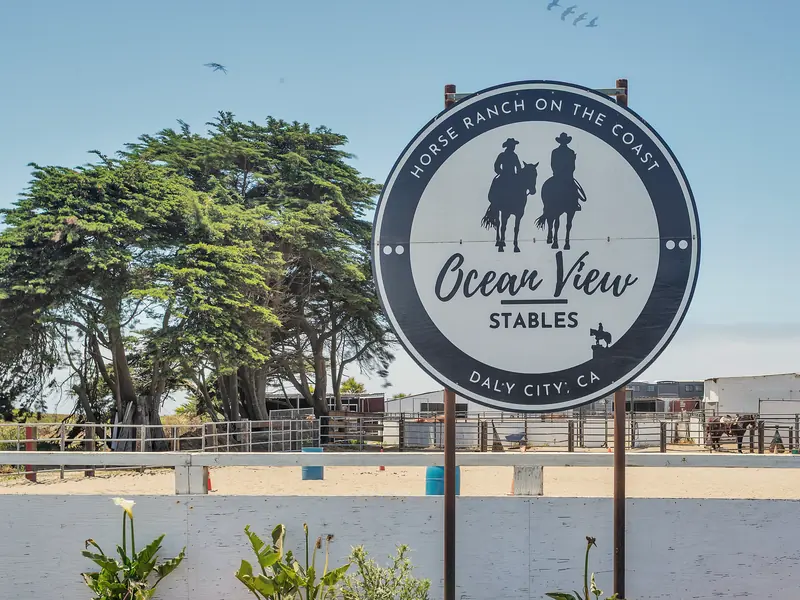
Where Kavalo started
The methods were built in a working barn
Zachary Leyden owns and runs Ocean View Stables and Leyden Horsemanship, two horse businesses. Online booking, a waiver for every rider, the staff board at six every morning and an AI phone receptionist were built and tested there.
They are his own businesses, not clients, and they are not farms. On a farm, an engineer starts the same way: with how the work moves today, from the first order to the paid invoice, before anything is built.
Forward deployed engineering
Where an engineer would start
An engineer from Kavalo works beside your team, on site and remotely, and ships changes every week. On a farm or at an ag business, the first days usually look like this.
- Days 1 and 2
Stand in the busiest hour
The packing shed on a harvest morning, then the parts counter and the order phone. Every order, hand-off and invoice written down as it happens.
- Week 1
One map, one first fix
A one-page map from first order to paid invoice, and one change your team uses that week, such as orders that print their own pick list.
- Week 2 onward
Build, test, hand over
Each week a written plan, changes tested on a copy first, and a Friday note: what shipped, what is next, what needs your decision.
Tell us how your season runs
The free consultation starts with your week in season: orders, packing, deliveries and the invoices you build by hand. Then we talk about what to change first.