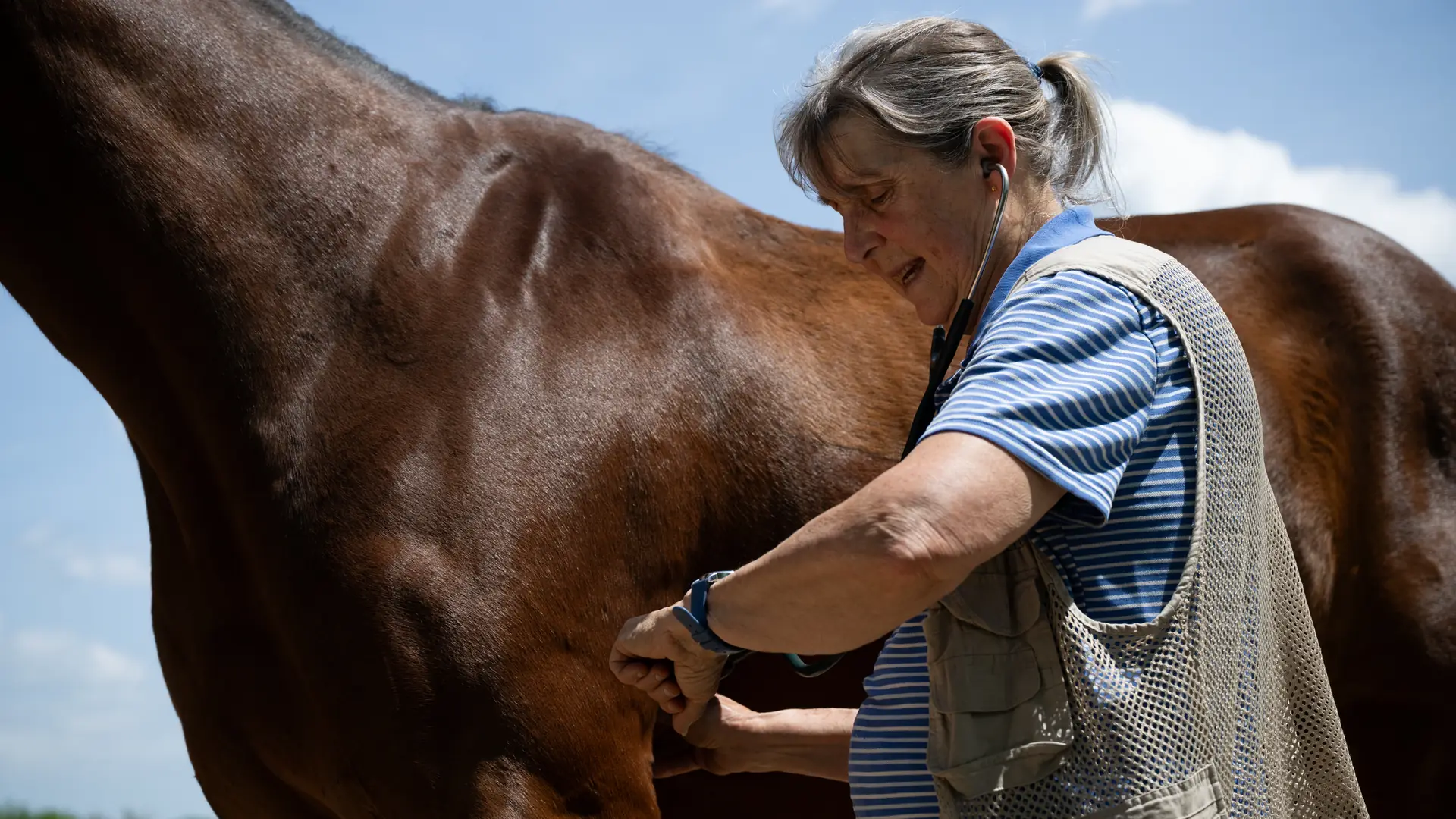
Systems for equine and large-animal veterinary practices
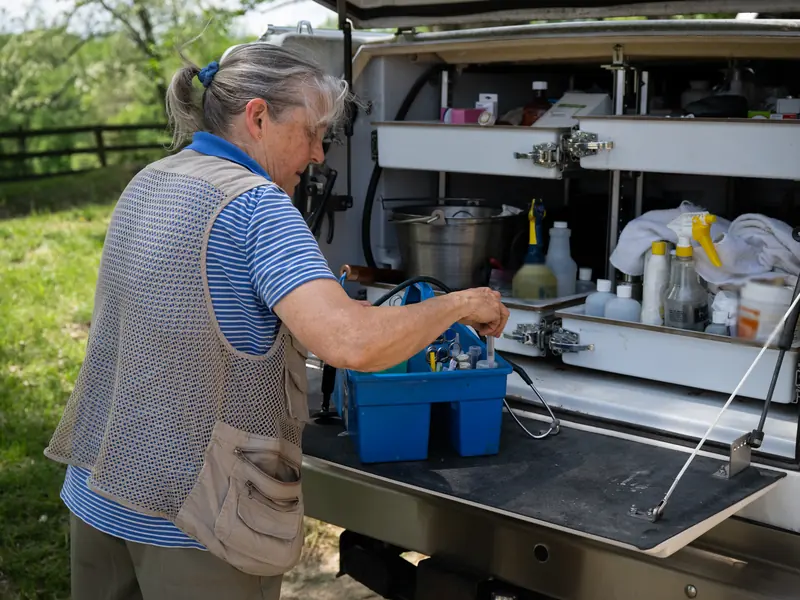
The day is spent on the road from barn to barn, and the phone rings during every exam. We connect the calls, the farm-call schedule, each client's horses and the invoice, so the work done in the barn is billed before the truck leaves. Your practice software keeps the medical record.
Photo: U.S. Department of Agriculture
What we hear
The week, as it runs today
Practices that go out to barns, farms and ranches often describe these. Discovery is where we find out which ones are yours.
- Farm calls booked by text and voicemail, then pieced into a route the night before.
- The phone ringing during an exam, with an emergency mixed in among routine questions.
- Charges written on a clipboard in the truck and typed into invoices at night.
- One barn's horses belonging to five owners, each expecting their own bill.
- Spring shots, Coggins tests and dental work tracked in a spreadsheet, or not at all.
- Supplies in the truck counted when something runs out.
- Records requests for a sale or a show answered one email at a time.
What we would set up
The pieces we would look at first, and how each is usually built. Filter by the label: standard features cost less to run and upgrade than custom work.
- Native Built into the standard software
- Configuration Set up, no code
- Custom Development we build
- Integration Connects another system
- Exploratory Needs validation first
-
Farm calls on one schedule
Appointments by vet and by barn, with drive time between stops and the day's route on a phone. Route optimization is a connected service.
NativeIntegration -
Every call answered, emergencies to a person
A voice assistant that says it is automated takes routine calls, such as a request for a visit or a question for the office, and puts each one on the record. Anything that sounds like an emergency goes straight to the vet on call. It gives no medical advice.
Integration -
Clients, barns and their horses
One record per owner and per barn, with the horses each one is responsible for. Standard business software has no record for a horse, so that part is built, or read from your practice software.
CustomIntegration -
The medical record stays where it is
Exam notes, treatments and lab results stay in your veterinary practice software. Where it allows, we connect to it, so the schedule, the reminders and the invoices use the same clients and horses. What it allows is checked before anyone relies on it.
IntegrationExploratory -
Charges entered at the truck
The farm call, the exam, treatments and supplies added on a phone before you leave the barn, and the invoice sent the same day.
NativeConfiguration -
One barn, many owners
A barn visit split by horse, so each owner is billed for their own, or one statement to the barn when it bills its boarders. Splitting the visit by horse is built.
NativeCustom -
Reminders that bring horses back
Shots, Coggins tests, dental work and rechecks due by horse, sent to the owner or the barn manager with a way to book.
ConfigurationCustom -
Truck and clinic stock
Supplies in each truck and at the clinic as stock, restocked from a list rather than from memory. Logs for controlled drugs stay in the system your regulators accept.
NativeConfiguration -
Accounts and payments
Cards taken at the barn once a payment provider is connected, accounts with terms for the barns and ranches you work for, and a statement each month.
NativeConfiguration
Nothing in this list is built that way. Choose All.
One example
One farm call, from the phone to the payment
Called in
An owner calls about a horse. The barn, the horse and the reason are taken down, and an urgent call goes to the vet on call.
Scheduled
The visit goes on the day's route by barn, with the horse's history on the vet's phone.
Seen
The exam and the treatment are recorded in your practice software, as they are today.
Charged
The charges are added before the truck leaves, split by owner where a barn has several.
Paid and reminded
The invoice goes out the same day, and the next shot or recheck is set as a reminder.
Diagnoses, treatments and what goes in the medical record are the veterinarian's decisions. The system schedules, bills and reminds. Rules on prescriptions, controlled drugs and health papers come from your state board and federal agencies, and the system follows them.
Add-ons and customizations
Make it yours
Add these around the practice software you keep.
-
Text-to-pay
Owners get the farm-call invoice by text the same day and can pay from their phone.
Native -
Website chat that knows its limits
Answers office questions like hours and service area, gives no medical advice, and tells anyone with an emergency to call the vet on call.
NativeConfiguration -
AI phone in Spanish
Calls taken in Spanish as well as English, once tested with you. Emergencies still go straight to the vet on call.
ConfigurationExploratory -
Directory listings
Your practice, service area and hours the same across online directories and map apps.
Integration
Forward deployed engineering
Where an engineer would start
An engineer from Kavalo rides along on farm calls and sits at the front desk, then works remotely, and ships changes every week. Because AI does much of the build work, a project sized for a practice with one or two vets is still worth doing. If your practice software works, the first job is connecting it, not replacing it.
- Days 1 and 2
A day in the truck, a day at the desk
Farm calls and the front desk: every call, stop, charge and reminder written down as it happens, in your team's words.
- Week 1
One map, one first fix
The path from a call to a paid invoice on one page, and one change the practice uses that week, such as charges entered at the truck instead of at night.
- Week 2 onward
Build, test, hand over
Each week a written plan, changes tested on a copy first, and a Friday note: what shipped, what is next, what needs your decision.
How forward deployed engineering works · How AI keeps the work affordable
Worth reading first
Talk through your practice
The free consultation starts with your week: the calls, the farm-call days, the charges and the reminders, and where each lives today. Then we talk about what to change first.