Systems for lesson and training programs
A lesson needs a rider, an instructor, a horse and an arena slot at the same time. We make the booking, the waiver, the reminder and the payment one flow, and give every rider a record of their progress.
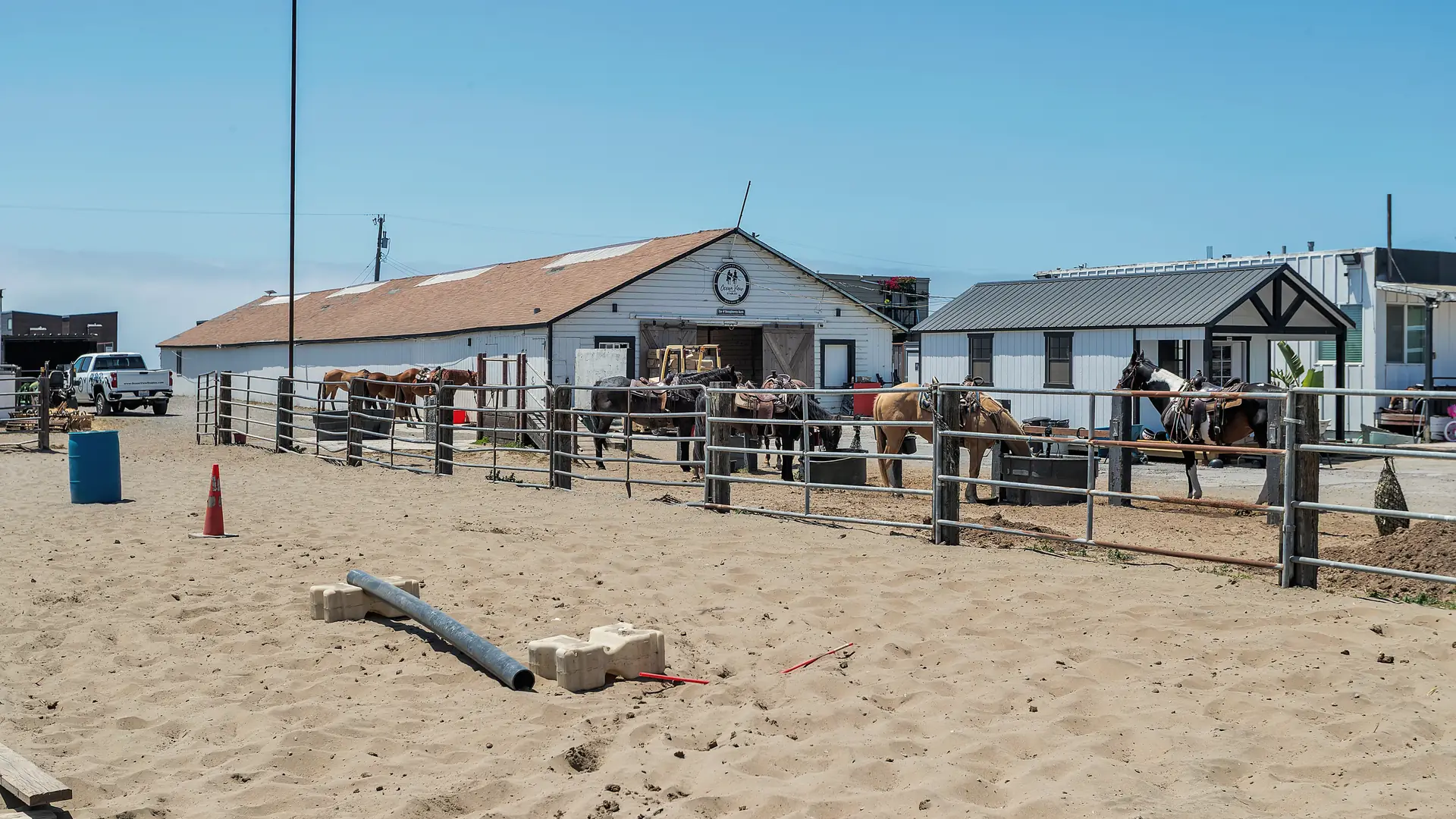
Photo: Ocean View Stables, the founder's own ranch
What we hear
The week, as it runs today
The week in a busy lesson program often looks like this. Discovery is where we find out which ones are yours.
- Lessons booked by text, then copied into a calendar.
- A horse or an instructor booked twice for the same hour.
- Waivers signed on paper at the gate, and missing for the rider who came with a friend.
- Make-up lessons and package balances tracked in a notebook.
- No-shows nobody followed up on.
- Parents asking how their child is doing, and nothing written down to tell them.
What we would set up
What we would look at, and how each piece is usually built. The labels matter: standard features cost less to run and upgrade than custom work.
- Native Built into the standard software
- Configuration Set up, no code
- Custom Development we build
- Integration Connects another system
- Exploratory Needs validation first
-
Online booking with real limits
Lessons, camps and clinics with capacity, with instructors and horses as resources so nothing is booked twice.
NativeConfiguration -
Packages and credits
Lesson packages, credits used per lesson, and the balance visible to the rider.
NativeConfiguration -
A waiver for every rider
Each rider signs their own waiver, a guardian signs for a child, and the day's list shows who is cleared.
Custom -
Reminders and make-ups
Reminders before each lesson, cancellations inside your policy, and make-up lessons offered from open slots.
NativeConfiguration -
Lesson notes and progress
After each lesson the instructor logs what was worked on, so every rider's progress is on record.
Custom -
Calls when you are teaching
An assistant answers the questions you approve and records the inquiry for the morning.
Integration
One example
One lesson, start to finish
Booked online
The rider picks an open lesson; the horse and instructor are held.
Waiver signed
Every rider on the booking signs, or a guardian signs for them.
Reminder sent
A reminder goes out the day before, with what to bring.
Lesson logged
The instructor notes what was worked on and what comes next.
Progress shared
The rider, or a parent, sees the record and books the next lesson.
Zachary runs much the same flow in Leyden Horsemanship, his own lesson business. Decisions about a horse's work and a rider's safety stay with your instructors and you.
Add-ons and customizations
Make it yours
Add these as your program grows.
-
Online courses
Groundwork videos, theory and homework between lessons, in a course riders open at home.
Native -
Your own app for riders
Riders open their courses and your updates in an app with your barn's name.
NativeConfiguration -
Referral program
Families who bring a friend get the reward you set, and each referral is tracked.
NativeConfiguration -
Review requests
After a lesson, every family gets the same request for a review.
Configuration
Worth reading first
Talk through your operation
The free consultation starts with your week: who does what, where information lives and what falls through. Then we talk about what to change first.