Systems for ag services and farm supply
Custom work is billed by the acre, the bale, the hour or the load, and the counter takes orders by phone and text from customers on account. We tie each job and each order to the hours, the parts, the stock and the invoice, so what was done gets billed and what runs low gets reordered.
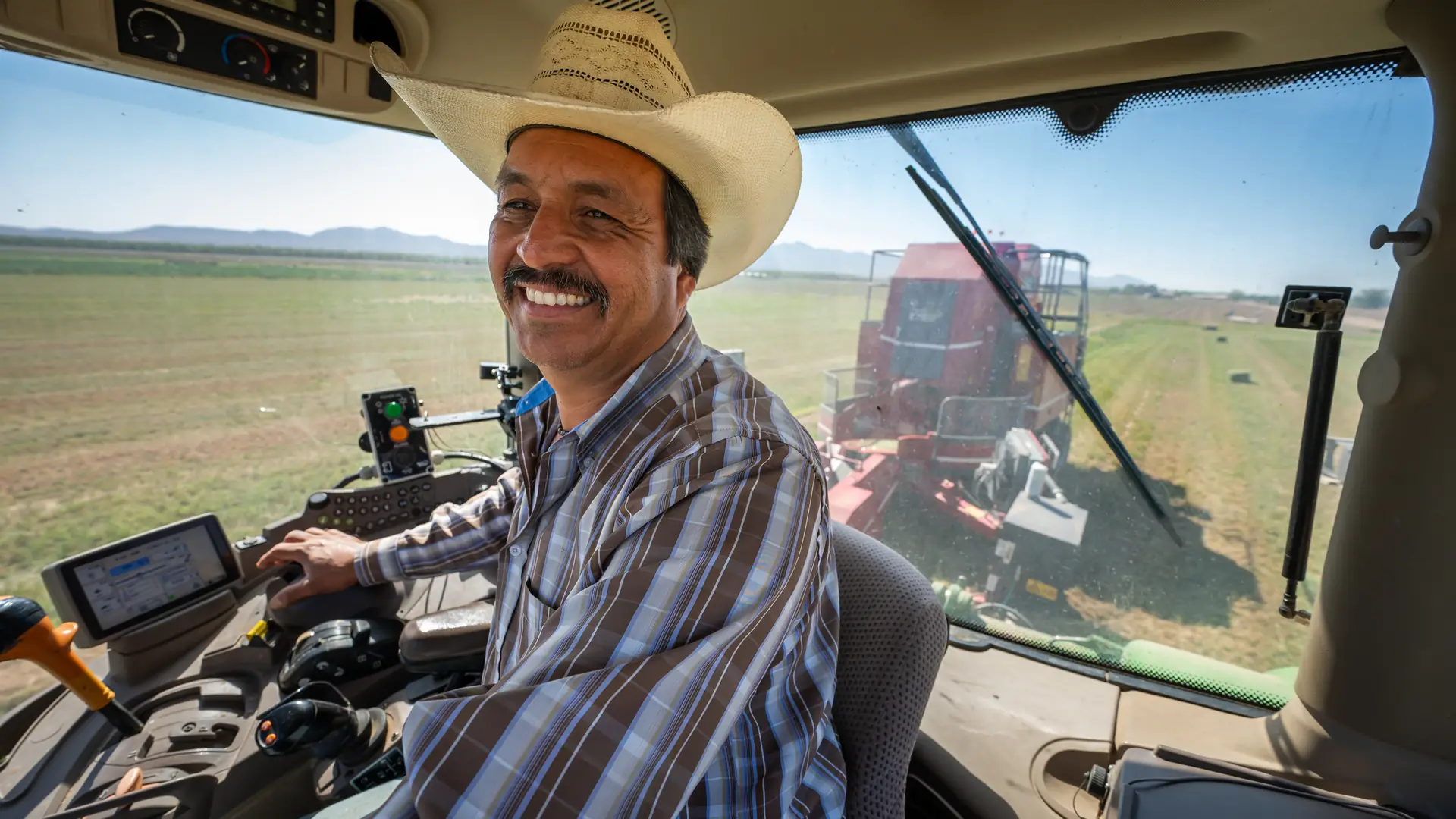
Photo: U.S. Department of Agriculture
What we hear
The week, as it runs today
Custom operators, farm supply stores and co-ops often describe these. Discovery is where we find out which ones are yours.
- Custom work written down in the cab: the field, the acres and the hours, on whatever paper was handy.
- Jobs invoiced weeks later, after the rush, from notes and memory.
- Parts pulled for a repair or a counter sale with no ticket, so never billed and never reordered.
- Service missed because nobody tracked the engine hours.
- Orders called and texted to one person's cell phone before the store opens, then copied onto slips.
- Who is over their account limit, and what goes on Thursday's delivery run, kept in someone's head.
What we would set up
The pieces we would look at first, and how each is usually built. Filter by the label: standard features cost less to run and upgrade than custom work.
- Native Built into the standard software
- Configuration Set up, no code
- Custom Development we build
- Integration Connects another system
- Exploratory Needs validation first
-
Work orders for custom hire
Each job with the customer, the field, the machine and the rate: by the acre, the bale, the hour or the load. Crews see their jobs on a phone.
NativeConfiguration -
Hours, acres and loads from the field
Operators log hours, acres, bales or loads against the job, so the invoice and payroll use the same numbers. Reading them from the machine's own system is a connection, checked first.
NativeIntegrationExploratory -
Invoices from finished work
A finished job becomes the invoice, with the acres, hours and parts already on it and the customer's terms applied.
Native -
Spray records with the job
Product, rate, field, weather and applicator recorded on the job. Whether that record meets what the product label and your state require is checked against those rules first.
ConfigurationExploratory -
Machines and service intervals
Each machine with its repairs and service schedule. Service by engine hours, rather than by date, usually takes custom work.
NativeCustom -
Stock and reorder points
Feed, seed, parts and supplies on hand by location, with reorder points and purchase orders drafted when something runs low.
NativeConfiguration -
Orders on account
Calls, texts and the counter all become the same kind of order on the customer's account, with their prices, terms and credit limit.
NativeConfiguration -
Delivery runs
Orders grouped by delivery day and route, with a load list for each truck. Route optimization is a separate service we can connect.
ConfigurationIntegration -
Calls before you open
An assistant that says it is automated takes reorders within the bounds you approve, checks the caller against the account before using any account detail, and leaves a draft order for a person to confirm.
Integration
Nothing in this list is built that way. Choose All.
One example
One supply order, called in during harvest
Call answered
Before the store opens, the assistant says it is automated and takes the product, the quantity and the day it is needed.
Caller checked
The account number and billing ZIP code are matched before any account detail is used. Caller ID alone is not enough.
Draft order
Stock on hand is checked, and a draft order and a delivery task go to the warehouse lead.
Confirmed
A person confirms the order when the team is in, and the customer gets the delivery window by email.
Delivered and billed
The delivery is recorded, the invoice goes on the account, and stock below its reorder point raises a purchase order to approve.
Prices, credit terms and what the assistant may say stay your policy, and it confirms nothing that a person or the system has not confirmed. What goes on a field, and at what rate, stays with the agronomist, the label and the grower; the system keeps the record. You can follow a sample order like this one in the workflow demo.
Add-ons and customizations
Make it yours
Add these as the counter and the custom hire side grow.
-
Quotes customers sign online
Custom hire and supply quotes accepted and signed online, then invoiced.
Native -
Equipment rental
Equipment and trailers rented by the day, with dates, deposits and returns.
NativeConfiguration -
Prospect finder
Find farms and ranches in your area to sell to, and add them to your pipeline to call or visit.
Native -
AI phone in Spanish
Orders and questions taken in Spanish as well as English, once tested with you.
ConfigurationExploratory
Forward deployed engineering
Where an engineer would start
An engineer from Kavalo works beside your team, on site and remotely, and ships changes every week. At a supply store or in a custom operation, the first days usually look like this.
- Days 1 and 2
A morning at the counter, a day on a job
Orders as they come in by phone and text, and one custom job from the call to the field: every slip, hour and part written down as it happens.
- Week 1
One map, one first fix
The path from first call to paid invoice on one page, and one change the team uses that week, such as finished jobs that become invoices with the hours already on them.
- Week 2 onward
Build, test, hand over
Each week a written plan, changes tested on a copy first, and a Friday note: what shipped, what is next, what needs your decision.
Worth reading first
Talk through your operation
The free consultation starts with your season: the jobs, the orders, the accounts and the machines, and what falls through. Then we talk about what to change first.