Systems for cattle ranches
Tags, calving dates, shots and weights get written in a pocket notebook at the chute, and the calves sell once a year. We put the herd, the pastures, the hay and the sale on records your crew can keep from the pickup, so the weights on the check match the calves that went.
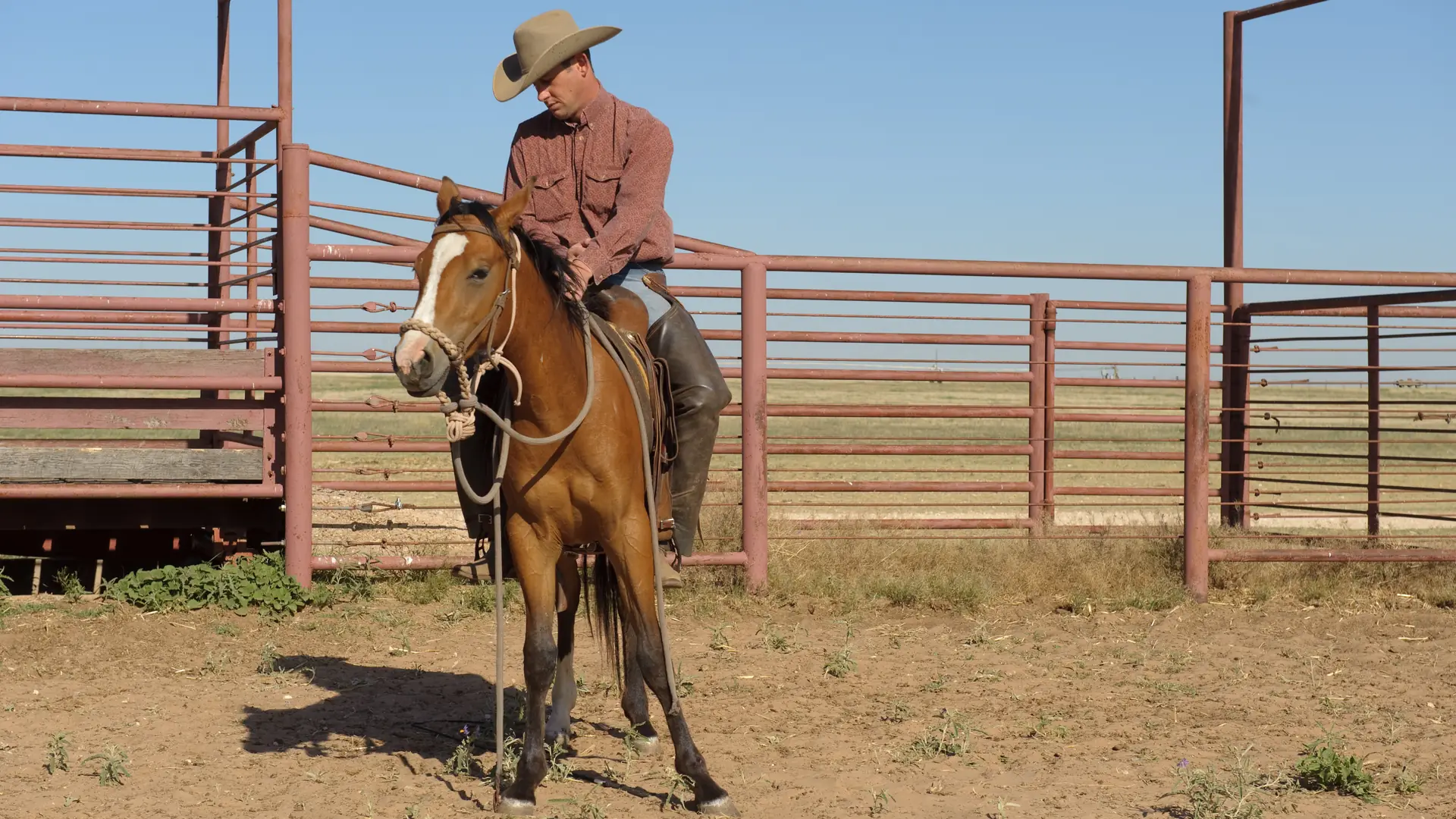
Photo: U.S. Department of Agriculture
What we hear
The week, as it runs today
Cow-calf and stocker operations often describe these. Discovery is where we find out which ones are yours.
- Calving dates and tag numbers in a pocket notebook, copied into a spreadsheet on a winter evening, if at all.
- Working days on a clipboard at the chute: shots, tags, weights and which calf got what.
- Which bunch is in which pasture, and since when, known to one person.
- A low tank or a wire down found on the drive, and fixed when someone remembers.
- Hay on hand guessed from the stack yard in the fall, and counted again in February.
- The sale barn's check, the weights and the deductions matched by hand, or not at all.
- Day workers' days marked on the calendar by the phone.
What we would set up
The pieces we would look at first, and how each is usually built. Filter by the label: standard features cost less to run and upgrade than custom work.
- Native Built into the standard software
- Configuration Set up, no code
- Custom Development we build
- Integration Connects another system
- Exploratory Needs validation first
-
Herd records with tags
Each animal, or each group, with its tag, brand, birth date, and dam and sire where you track them, and everything done to it. Standard business software has no cattle record, so this is built, or connected to the herd software you already use.
CustomIntegration -
Calving season
Each calf recorded at the tag from a phone in the pasture: the date, the dam, the sex, and birth weight or calving ease if you keep them. Pairs are counted and moved together.
Custom -
Working days at the chute
Vaccinations, treatments, tags and weights, per animal or per group, with the product, the lot and the withdrawal date. Reading tags and weights from an EID reader or a scale head is a connection we check first.
CustomIntegrationExploratory -
Pasture moves and grazing records
Pastures with their acres and water, each move with the date and the head count, and grazing days added up for each pasture. If you already use grazing software, we connect it instead.
CustomIntegration -
Water and fence checks
Tanks, troughs and fence lines as recurring checks on a phone, with a photo when something needs fixing and a repair task that stays open until it is done.
NativeConfiguration -
Feed and hay on hand
Hay, mineral and feed by the bale, the ton or the bag, in each stack yard or barn, with what was bought, what was fed and a warning before it runs short.
NativeConfiguration -
Equipment and the pickup
The pickup, the tractor, the trailer and the chute, with their service dates, repairs and costs. Service by engine hours, rather than by date, usually takes custom work.
NativeCustom -
Hired help and day workers
Hands and day workers log their days and hours on a phone. Payroll stays with your payroll service, connected or exported.
NativeIntegration -
Selling calves
Sale barn, private treaty or video sale: the head, the weights, the price per hundredweight and the deductions on the check, matched to the calves that went. A video sale keeps its contract and delivery date until the cattle ship. Tying the sale to each calf's record is built.
NativeConfigurationCustom
Nothing in this list is built that way. Choose All.
One example
One calf, from the tag to the check
Tagged
The calf is tagged and recorded against its mother in the pasture, on a phone.
Worked
At branding, shots and any treatment go on the record against the tag, with the product and the withdrawal date.
Grazed
The pair moves from pasture to pasture, and each move is logged with the date and the count.
Weaned
Weaning weights go on the record, and the replacement heifers are sorted off.
Sold
The sale barn's statement and check are matched to the calves that went: head, weights, price and deductions.
Treatments, doses and withdrawal times are set by your veterinarian and the product label; the system records what was given and shows when each withdrawal ends. Decisions about an animal's health and welfare, and about your land, stay with your veterinarian, your advisors and you.
Add-ons and customizations
Make it yours
Add these when the paperwork outgrows the notebook.
-
Several companies in one system
The cow-calf side and a beef business as separate companies, each with its own records and invoices.
NativeConfiguration -
Your own screens and fields
Add a field or a screen, such as a new treatment or a pasture note, without code.
NativeConfiguration -
Connections at the chute
A scale, a tag reader or your herd software, connected where it allows and tested first.
IntegrationExploratory -
Your own dashboards
Head counts, pastures, hay on hand and sales on one screen.
Configuration
Forward deployed engineering
Where an engineer would start
An engineer from Kavalo works beside your crew, on the ranch and remotely, and ships changes every week. If your herd records already live in specialist software that works, the first job is connecting it, not replacing it.
- Days 1 and 2
A working day and a drive through the pastures
At the chute and in the pickup: every tag, shot, weight, count and gate written down as it happens, in your crew's words.
- Week 1
One map, one first fix
The path from calving to the sale check on one page, and one change the crew uses that week, such as calving records kept on a phone instead of in a notebook.
- Week 2 onward
Build, test, hand over
Each week a written plan, changes tested on a copy first, and a Friday note: what shipped, what is next, what needs your decision.
Worth reading first
Talk through your ranch
The free consultation starts with your year: calving, working days, pasture moves and selling calves, and where each record lives today. Then we talk about what to change first.