Systems for boarding barns
Board is billed once a month, but the extras, the feed changes and the farrier visits happen every day. We put each horse, its owners and its charges on one record, so the statement is right on the first of the month and owners can see what they are paying for.
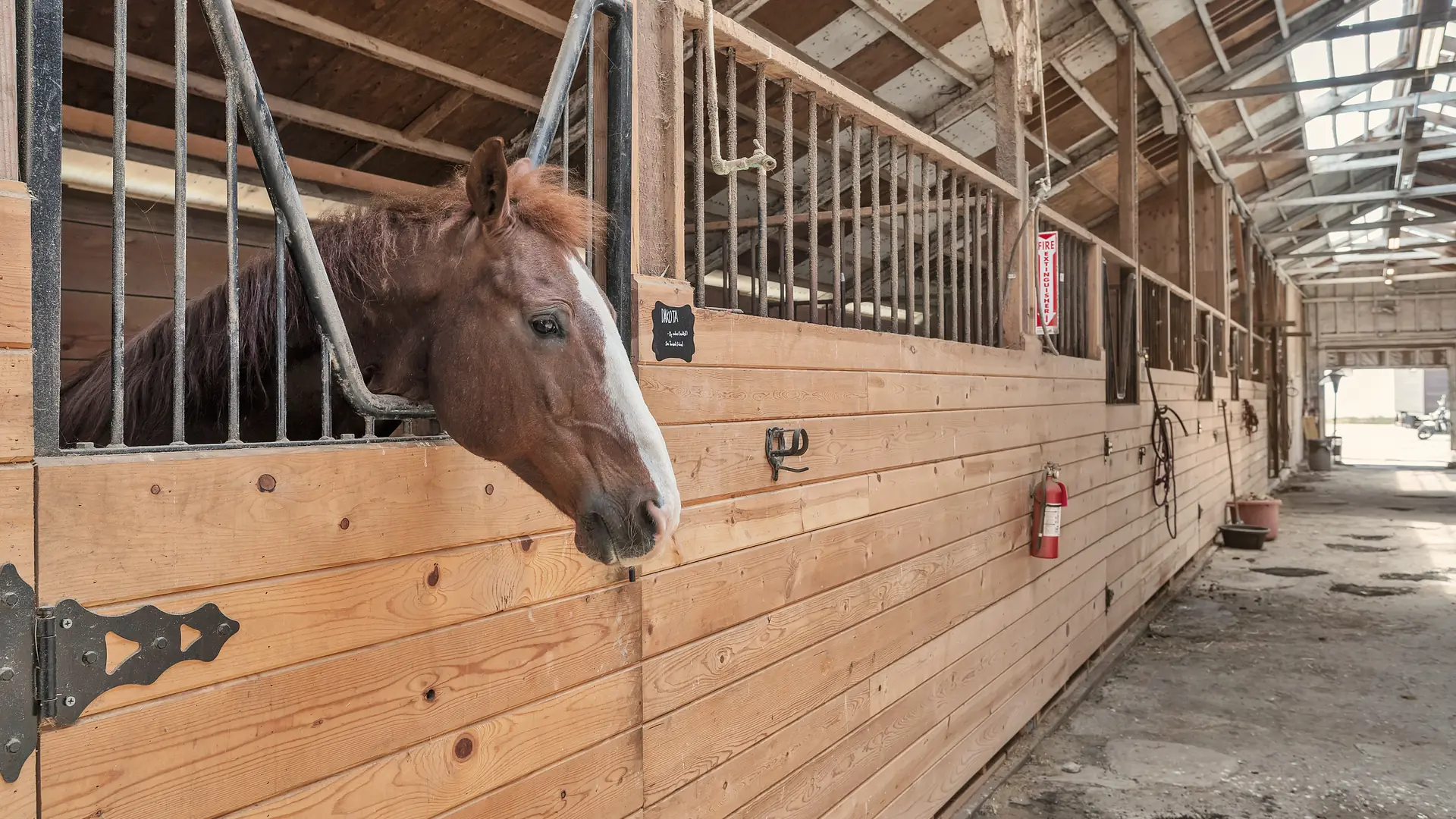
Photo: Ocean View Stables, the founder's own ranch
What we hear
The week, as it runs today
Most boarding barns we talk to recognize several of these. Discovery is where we find out which ones are yours.
- Board plus add-ons such as blanketing, turnout and supplements, put together by hand every month.
- Farrier and vet visits written on the whiteboard, then billed late or not at all.
- Owners texting about their horse at all hours, and the answer living in one person's phone.
- Feed and bedding reordered when someone happens to notice it is low.
- Stall assignments and the waitlist kept in someone's head.
- Who has paid and who is late, in a spreadsheet that only one person trusts.
What we would set up
The pieces we would look at first, and how each is usually built. The labels matter: standard features cost less to run and upgrade than custom work.
- Native Built into the standard software
- Configuration Set up, no code
- Custom Development we build
- Integration Connects another system
- Exploratory Needs validation first
-
Board and add-ons on one statement
Monthly board as a recurring charge, add-on services as recurring or one-off lines, and one statement per owner each month.
NativeConfiguration -
A record for every horse
Owner or owners, stall, feed plan, care notes and service history, in one place. Standard business software has no horse record, so this part is built.
Custom -
Services logged where they happen
A farrier or vet visit is recorded once, against the horse, and billed to the right owner, including split ownership.
ConfigurationCustom -
An owner portal
Owners see their statements, invoices, documents and the updates you choose to share, and pay online once a payment provider is connected.
NativeConfiguration -
Feed and bedding stock
Stock on hand, reorder points and purchase orders to your suppliers.
Native -
Care checklists in the barn
Feeding, turnout and cleaning as recurring tasks with an owner and a time, on a phone.
NativeConfiguration
One example
How a month closes
Logged as it happens
Extras and service visits are recorded against the horse during the month.
Added up on the record
Each horse's charges sit with its owners, split where ownership is shared.
Statement on the first
One statement per owner is drafted from the record; someone reviews it.
Seen in the portal
Owners open the statement and the invoice without asking for it.
Payment matched
Payments are matched to invoices, and late ones raise a task.
Prices, late fees and deposits stay your policy; the system applies what you decide. Your accountant confirms the tax settings.
Add-ons and customizations
Make it yours
Add these when your barn is ready for them.
-
Text-to-pay for board
Statements go out with a payment link owners can pay from their phone.
Native -
Owner community
A private space where owners get barn news, schedule changes and answers.
Native -
Waitlist form
A stall waitlist that keeps everyone's place and offers the next opening in one message.
NativeConfiguration -
Staff shift planning
Who feeds, who turns out and who closes, on everyone's phone.
Native
Worth reading first
Talk through your operation
The free consultation starts with your week: who does what, where information lives and what falls through. Then we talk about what to change first.