Systems for farms that sell direct
Orders arrive by text, email, phone and at the market stall, and the harvest decides what is available. We connect what is in the field, what is promised to customers and what goes on the truck, so the office, the crew and the customer see the same order.
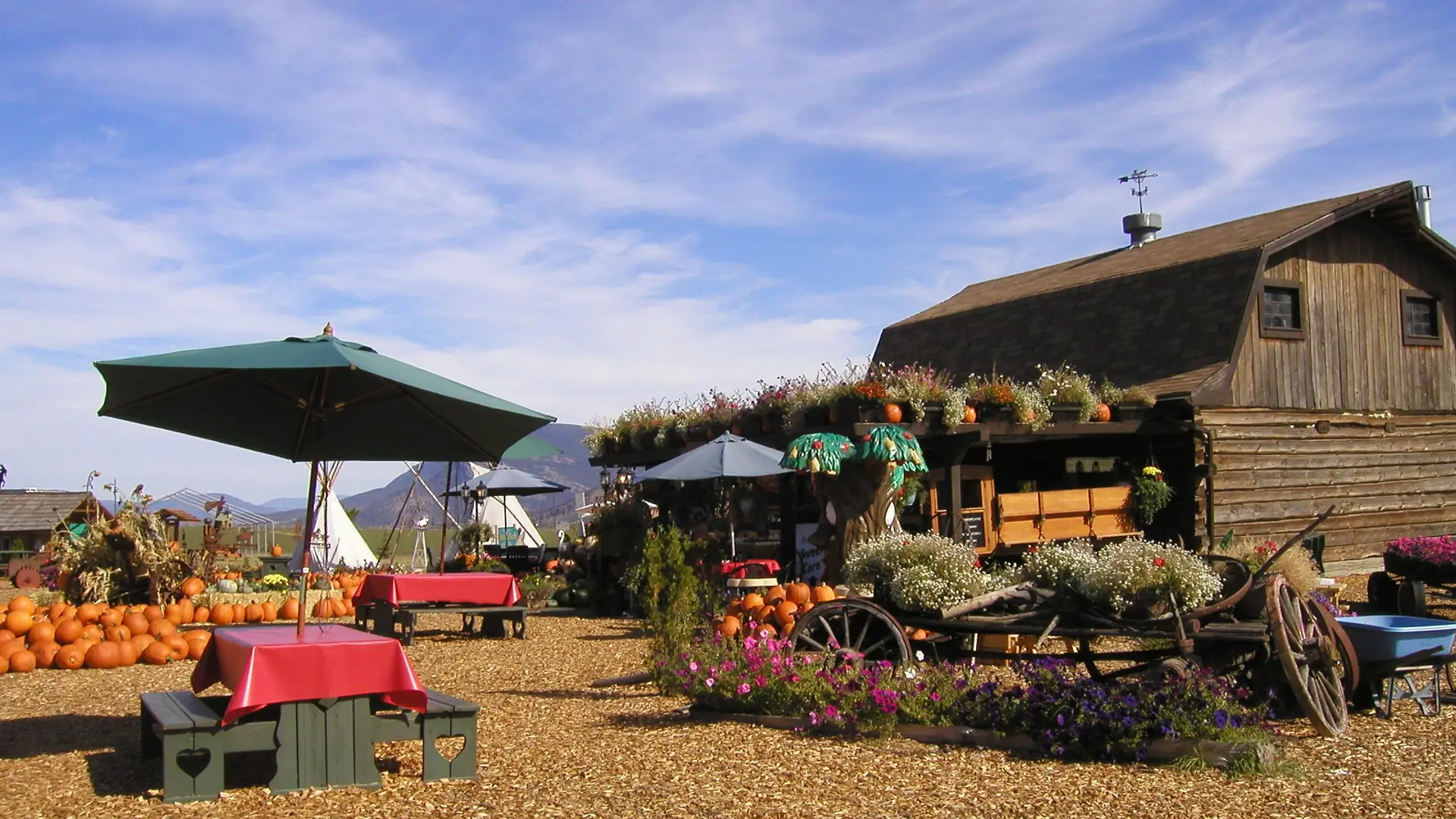
Photo: Dennis Sylvester Hurd (CC0)
What we hear
The week, as it runs today
Farms that sell to restaurants, shops and households often tell us about these. Discovery is where we find out which ones are yours.
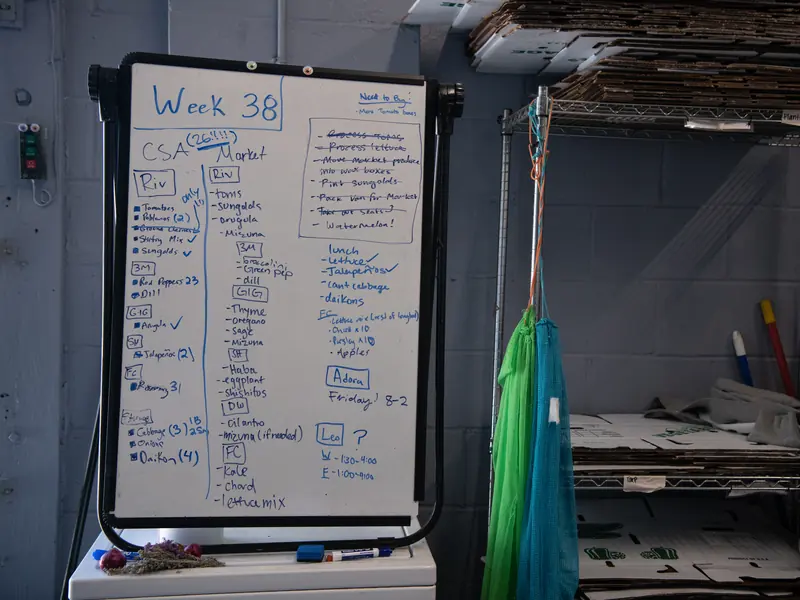
- Orders in texts and voicemails, copied onto a list at night.
- An availability list typed up and sent by hand every week.
- Standing orders and shares tracked in a spreadsheet.
- Pick and pack lists made after dinner for the morning crew.
- Delivery runs planned on paper.
- Invoices sent after the fact, with shorts and substitutions remembered from memory.
What we would set up
What we would look at, and how each piece is usually built. The labels matter: standard features cost less to run and upgrade than custom work.
- Native Built into the standard software
- Configuration Set up, no code
- Custom Development we build
- Integration Connects another system
- Exploratory Needs validation first
-
One place for every order
Phone, text, email, web and market orders all become the same kind of order, with the customer's history.
NativeIntegration -
Availability from the field
This week's availability comes from stock and expected harvest, and goes to your buyers from the system.
NativeConfiguration -
Standing orders and shares
Weekly standing orders and seasonal shares as subscriptions, adjusted when you need to.
NativeConfiguration -
Pick and pack lists
Lists made from confirmed orders, by product and by customer, ready for the morning.
Native -
Delivery runs
Orders grouped by delivery day and route. Route optimization is a separate service we can connect.
ConfigurationIntegration -
Invoices from what was delivered
Shorts and substitutions recorded at delivery, so the invoice matches what arrived. Lot numbers where you need them.
Native
One example
One order, from text message to invoice
Order taken
A text or call becomes an order on the customer's record.
Checked against stock
It is confirmed against what is available this week.
Picked and packed
It appears on the morning pick list.
Delivered
The run is grouped by route; shorts are noted at the door.
Invoiced
The invoice is made from what was delivered.
Lot and batch tracking is standard. Whether it meets a particular food safety or certification program has to be checked against that program's rules.
Add-ons and customizations
Make it yours
Add these as more of your sales move online.
-
Online store
Boxes, shares and farm goods sold online from the same stock as the stand.
Native -
Email and text campaigns
Tell your list what is ready this week.
Native -
Point of sale at the market
A phone or tablet at the stand or the market takes cards and updates the count. Card readers connect through a payment provider.
NativeIntegration -
Member community
A space for share members: pickup changes, what is in the box, recipes.
Native
Worth reading first
Talk through your operation
The free consultation starts with your week: who does what, where information lives and what falls through. Then we talk about what to change first.