Services
ERP development and implementation
ERP means one connected system for running the business: customers, scheduling, orders, stock, staff work and accounting share the same records instead of being copied between tools. We set it up around how you work, build the pieces it is missing, connect the systems you keep, and teach your team to run it.
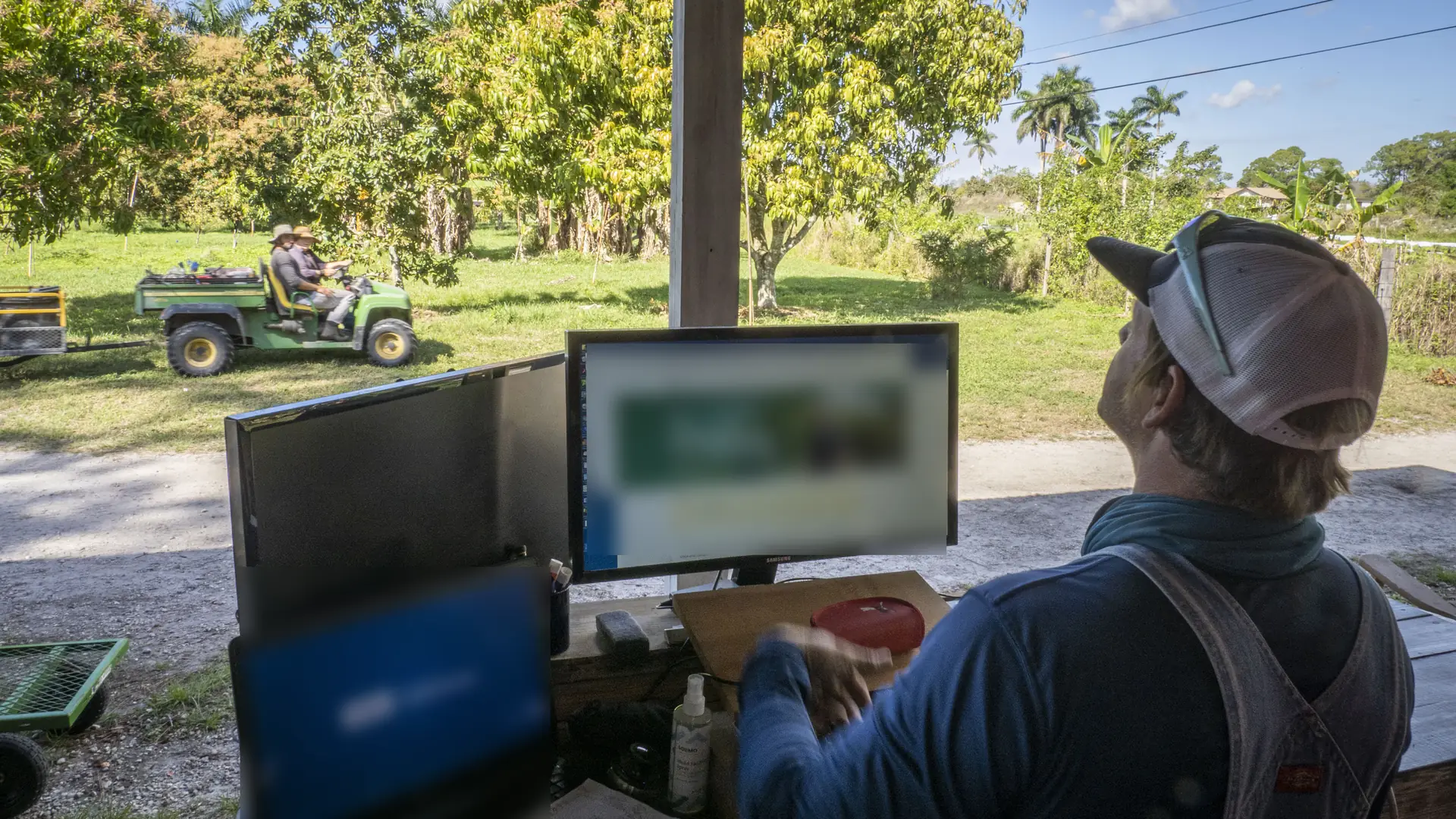
Photo: U.S. Department of Agriculture
What changes, in one example
- Inquiryrecorded once, with who asked and what they need
- Quotebuilt from the inquiry
- Order or bookingconfirmed from the quote
- Scheduled workplanned from the order
- Invoicemade from what was delivered
- Paymentmatched to the invoice
- Reportsread from the same records
Implementation
One system, phase by phase
A roadmap from discovery turned into a working system, each phase ending with acceptance criteria you sign off after testing it with your own scenarios.
Deliverables
- Application selection: only the apps the roadmap calls for
- Configuration of workflows, documents, access rights and automations
- Data preparation and migration, with counts reconciled before and after
- Testing scripts for your team, written from your real scenarios
- Staff training by role, with short written guides
- Launch support and a stabilization period after go-live
Development
What the standard apps do not cover
Modules, client and staff portals, industry workflows, web applications and reporting tools, built to be maintained: written requirements and acceptance criteria before any code, automated tests, and a repository you control.
- Industry records the software lacks: horses, cattle, cut sheets, hanging weight billing, grazing records
- Portals where clients and staff see only what is theirs
- Handover notes the next developer can follow
What is standard, what is an add-on and what we build: add-ons and customizations.
Integrations and automation
Connections that fail out loud
Between the systems you keep: payments, phones, accounting, an online store, the scale and tag reader at the chute, or specialist herd and farm software. Each connection is mapped first: what moves, which system is the source of truth, and what happens when it fails.
- Retries with a limit, then a visible queue for a person
- No double effects when a message arrives twice
- Credentials kept on the server, with the narrowest access
- Built and tested on a copy, with an off switch and every change logged
Worth knowing before you start
Your edition and plan matter
Some capabilities, such as connecting other software through an API or customizing screens, depend on the edition and plan of the software you hold. We confirm this before scoping.
Data quality sets the migration effort
Duplicate customers and half-filled spreadsheets are normal. We measure them in discovery so the estimate reflects reality.
Your team's time is part of the plan
Testing and training need hours from the people who will use the system. We schedule them around your busy season, whether that is calving, harvest or show season, not through it.
Standard first, custom when it earns it
Every customization has to be maintained through upgrades. We use what the software already does well and build only what it does not.
Not included unless agreed in writing
- Software subscription fees, paid to the software provider or its reseller
- Hosting, hardware and third-party software licenses
- Fees charged by the platforms connected, and rework when a vendor retires an API
- Cleaning data beyond the agreed scope
- Tax, legal or accounting advice: your accountant confirms tax and fiscal settings
- Unlimited changes: new scope goes through a change request
Talk through your operation
Book a free consultation. We will ask how the work moves today and tell you plainly whether an ERP is the right fit.