Systems for farriers
Every horse comes due on its own cycle, the barns are spread across the county, and the phone rings while you are under a horse. We put each horse, its owner and its next date on one record, build the day's round from what is due, and send the invoice before you leave the barn.
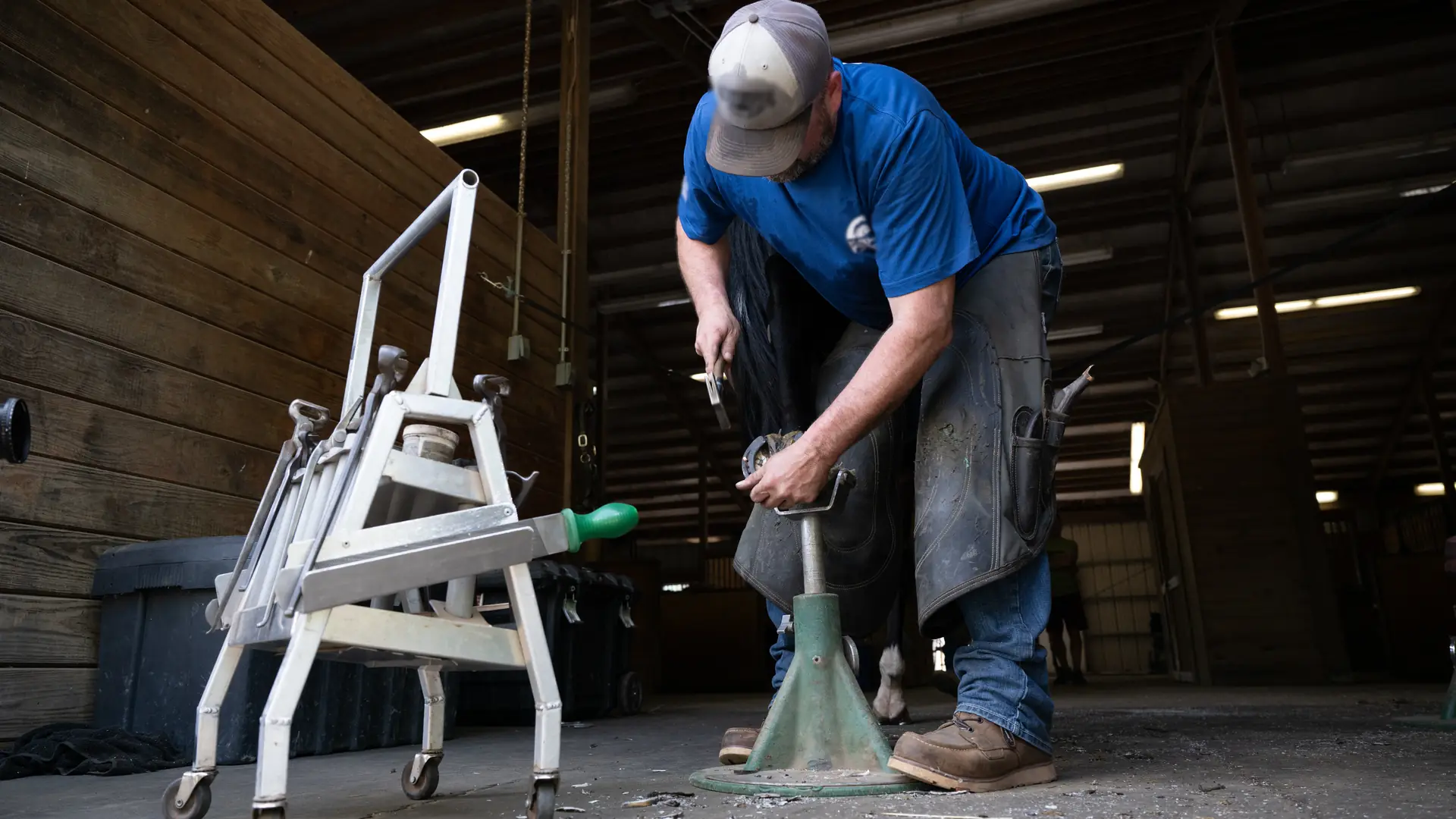
Photo: U.S. Department of Agriculture
What we hear
The week, as it runs today
Farriers who work alone or with a helper often describe these. Discovery is where we find out which ones are yours.
- Who is due and when, kept in a notebook or a phone calendar and worked out again every week.
- Texts from owners and barn managers all day, answered at night.
- Tomorrow's round pieced together barn by barn the evening before.
- What each horse wears, its pads and its quirks, remembered rather than written down.
- Invoices written up after dark, and a barn day split between several owners by hand.
- A horse nobody caught, or an owner who forgot, and the slot lost.
- Shoes, nails and pads reordered when the bin in the truck is empty.
What we would set up
The pieces we would look at first, and how each is usually built. Filter by the label: standard features cost less to run and upgrade than custom work.
- Native Built into the standard software
- Configuration Set up, no code
- Custom Development we build
- Integration Connects another system
- Exploratory Needs validation first
-
Every horse on its cycle
Each horse with its owner, its barn and how many weeks it goes between visits, and the next date worked out from the last one. Standard business software has no horse record, so this part is built.
Custom -
The day's round
The horses that are due, grouped by barn and put in driving order on your phone in the morning, with each horse's notes at each stop. Route optimization is a connected service.
NativeIntegration -
Reminders the day before
Owners and barn managers get a text or an email the day before, asking for the horse to be caught and ready, with a link to move the visit.
NativeConfiguration -
Notes on each horse
Shoe size, pads, packing and clips, and anything you need to know before you pick up a foot, with photos of the feet if you take them.
Custom -
The invoice before you leave
Trims, resets, new shoes and extras tapped in on a phone at the horse, invoiced to the right owner, and paid by card once a payment provider is connected.
NativeConfiguration -
Barn days with many owners
A day at one barn with a dozen owners' horses: each owner billed for their own, or one statement to the barn if that is how the barn pays you. Splitting one horse between co-owners is built.
NativeCustom -
Calls while your hands are full
A voice assistant that says it is automated takes booking requests and questions, puts each one on the record and never promises a time the schedule does not show. A hurt or lame horse goes to you at once, and the owner is told to call their vet.
Integration -
Shoes, nails and pads on hand
Stock in the truck and the shop, taken off as each visit uses it, with a reorder point before the bin runs out.
NativeConfiguration -
Working with the owner's vet
When the owner shares it, the vet's note goes on the horse's record next to what you did, so a corrective shoeing plan lives in one place.
Custom
Nothing in this list is built that way. Choose All.
One example
One horse, from due date to paid
Due
The horse comes due on its cycle and joins the list for its barn.
Booked
The barn day is set, and each owner gets a reminder the day before.
Shod
At the horse, you tap in what was done: a trim, a reset or new shoes, with pads and extras.
Billed
The invoice goes to the right owner before you leave the barn.
Next date
The next visit is worked out from today and lands on the list for that barn.
Decisions about a horse's feet, and about any lameness, stay with you, the owner and their veterinarian. The system keeps the dates, the notes and the bills.
Add-ons and customizations
Make it yours
Add these when the round gets busier.
-
Text-to-pay
Each owner gets the invoice by text before you leave the barn, and can pay from their phone.
Native -
Missed-call text back
When your hands are full, the caller gets a text with a link to ask for a visit.
Configuration -
Review requests
After a visit, every owner gets the same request for a review.
Configuration -
An app for you
Messages, the calendar and new requests on your phone between barns.
Native
Forward deployed engineering
Where an engineer would start
An engineer from Kavalo rides along on your round, then works remotely, and ships changes every week. Because AI does much of the build work, a project sized for one truck is still worth doing. If a scheduling or invoicing app already works for you, the first job is connecting it, not replacing it.
- Days 1 and 2
A day on your round
In the truck and at the barns: every call, text, horse and charge written down as it happens, in your words.
- Week 1
One map, one first fix
The path from a due date to a paid invoice on one page, and one change you use that week, such as next dates set at the horse instead of in a notebook.
- Week 2 onward
Build, test, hand over
Each week a written plan, changes tested on a copy first, and a Friday note: what shipped, what is next, what needs your decision.
How forward deployed engineering works · How AI keeps the work affordable
Worth reading first
Talk through your round
The free consultation starts with your week: the calls, the round, the horses and the invoices, and where each lives today. Then we talk about what to change first.