Systems for breeding farms
A breeding season runs on dates: when a mare arrives, when she is bred and checked, when she is due, and when the booking fee and her care are billed. Front Office gives you a website, a customer list, reminders and invoices with online payments, set up from a breeding farm template.
Want each mare, stallion and foal on a record whose dates drive the reminders and the statements? That is Operations, which White Glove sets up with you.
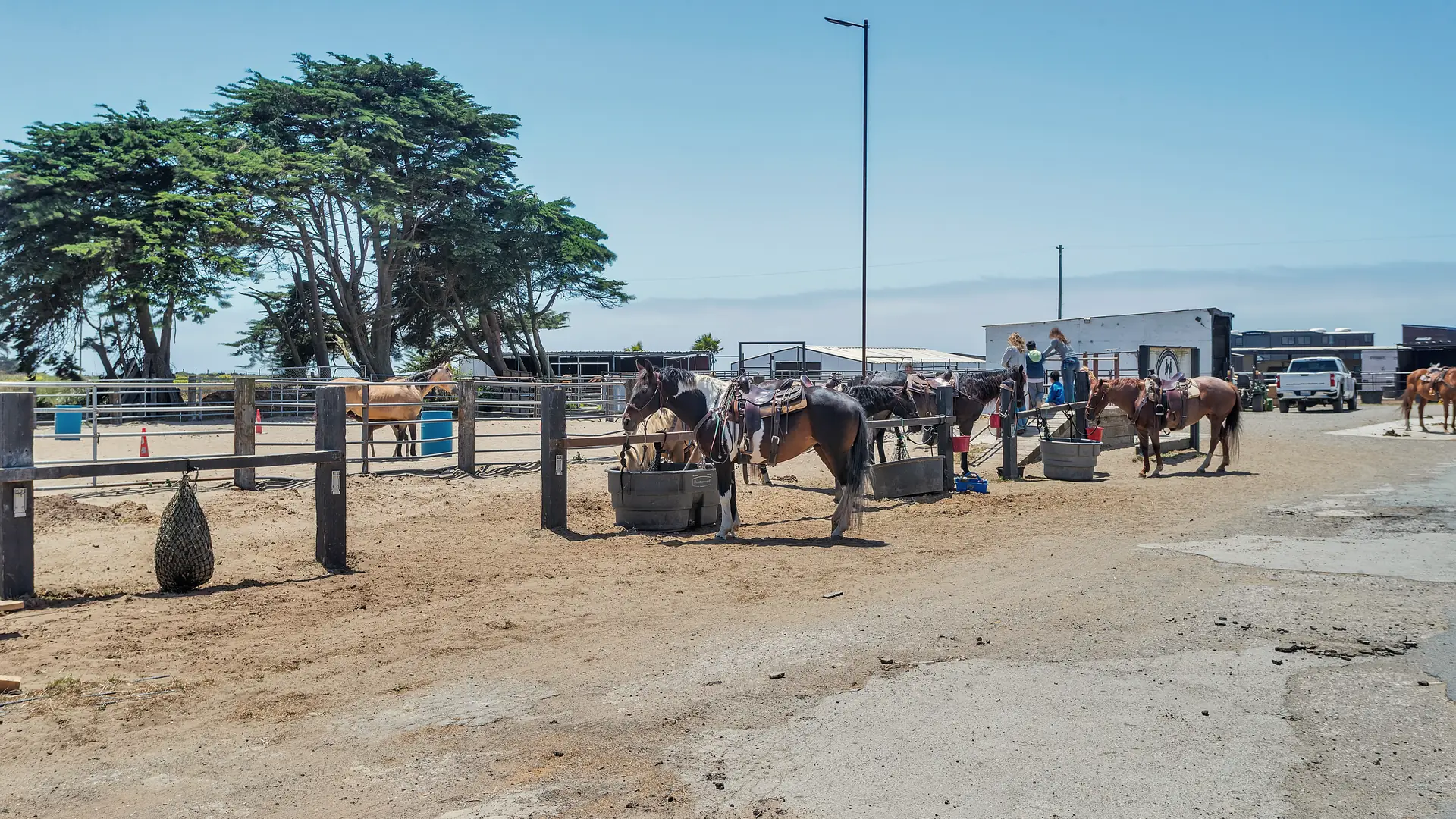
Photo: Ocean View Stables, the founder's own ranch
What we hear
The season, as it runs today
Farms that stand a stallion or foal out mares often describe some of these. Discovery is where we find out which ones are yours.

- Breeding dates and check results on a whiteboard, in a notebook or in the vet's notes.
- Booking contracts and fees traded by email, with no single list of which mares are booked to which stallion.
- Mare care billed by counting days on a calendar at the end of the month.
- Shipment requests arriving by text at odd hours, and the order lost in a phone.
- Due dates worked out by hand, and owners asking for updates one call at a time.
- Foal paperwork for the breed registry chased late in the season.
Operations: a project we set up with you
What we would set up
The pieces we would look at first, and how each is usually built. The labels matter: standard features cost less to run and upgrade than custom work.
- Native Built into the standard software
- Configuration Set up, no code
- Custom Development we build
- Integration Connects another system
- Exploratory Needs validation first
-
Mares, stallions and foals on one record
Each horse with its owner, its breeding history, its dates and its documents. Standard business software has no record for a horse, so this part is built.
Custom -
Bookings, contracts and fees
A booking per mare and stallion, with the contract, the booking fee and the balance due on the dates your contract sets.
NativeConfiguration -
Mare care billed by the day
Days on the farm counted from arrival and departure, with extras such as handling or supplements added as they happen, on one statement per owner.
NativeCustom -
Dates that drive reminders
Breeding, check and due dates recorded against the mare, with reminders to your team and updates to the owner when you choose to send them.
ConfigurationCustom -
Shipment requests in one place
Requests taken by form, text or phone onto one list, with the date, the address and the fee, so nothing waits in someone's phone.
NativeConfiguration -
An owner portal
Owners see their statements, invoices, documents and the updates you choose to share, and pay online once a payment provider is connected.
NativeConfiguration
One example
One mare, from the booking to the foal
Booked
An owner asks to book a mare. The contract and the booking fee go out, and the booking is on the list for the stallion.
Arrived
The mare arrives, and her care is counted by the day from that date.
Bred and checked
The breeding and check dates are recorded against her, with the results your vet gives you.
Due
Her due date is set, with reminders to your team before it and updates to the owner when you send them.
Foaled and billed
The foal gets its own record, and the owner's statement closes with the balance and the care.
Breeding and health decisions belong to your veterinarian and to you. The system keeps the dates, the contracts and the bills. Registration papers follow your breed registry's rules.
Worth reading first
Front Office: software you run yourself
Start on your own, set up for breeding farms
Front Office is your website, bookings, a customer list and pipeline (a CRM), texts and email, and an AI phone on the top plan, set up from a template for your kind of operation. You set it up and run it yourself, month to month.
Your starting point is a template tailored to breeding farms. Add your own photos, services, prices and hours to make it yours.
-
Website
$2 a month
A website from our industry templates, with a booking calendar and a contact form.
1 user.
Start your website -
Essentials
$49 a month
Customers, reminders and payments in one place.
2 users. 14-day trial. Starts with $5 of usage credit.
Start a 14-day trial -
Autopilot
$149 a month
Essentials plus AI chat, missed-call text back and review requests.
5 users. $10 of usage credit each month.
Start Autopilot -
AI Ranch Hand
$299 a month
An AI phone that answers your calls day and night.
Unlimited users. $135 of usage credit each month.
Start AI Ranch Hand
After you click: pick your kind of operation, then pay by card (Essentials starts with a 14-day trial). When your account is set up, an email headed "Activate your account" arrives; open it to choose your password. What to do first
What Front Office covers, by plan
- Website: your website from our industry templates, an online booking calendar, a contact form that collects inquiries.
- Essentials: Everything in Website, plus a customer list and sales pipeline, email and text reminders, waivers, courses and memberships, invoices and online payments, text-to-pay, an app for your team, a connection to QuickBooks.
- Autopilot: Everything in Essentials, plus AI chat on your website, texts, Facebook and Instagram, missed-call text back, review requests sent automatically.
- AI Ranch Hand: Everything in Autopilot, plus an AI phone that answers your approved questions day and night, call summaries and transcripts in your customer list.
What it does not cover
Mare, stallion and foal records, breeding and due dates, mare care billed by the day and the owner portal.
Those are part of Operations, a project we set up with you. Compare Front Office and Operations.
How Front Office works and every plan on the pricing page. Rather have it set up for you? White Glove.
White Glove
Talk through your season
White Glove starts with a free consultation about your season: the bookings, the dates, the care and the bills, and where each lives today. Then we talk about what to change first.